Join the 50 million+ people who have downloaded what3words
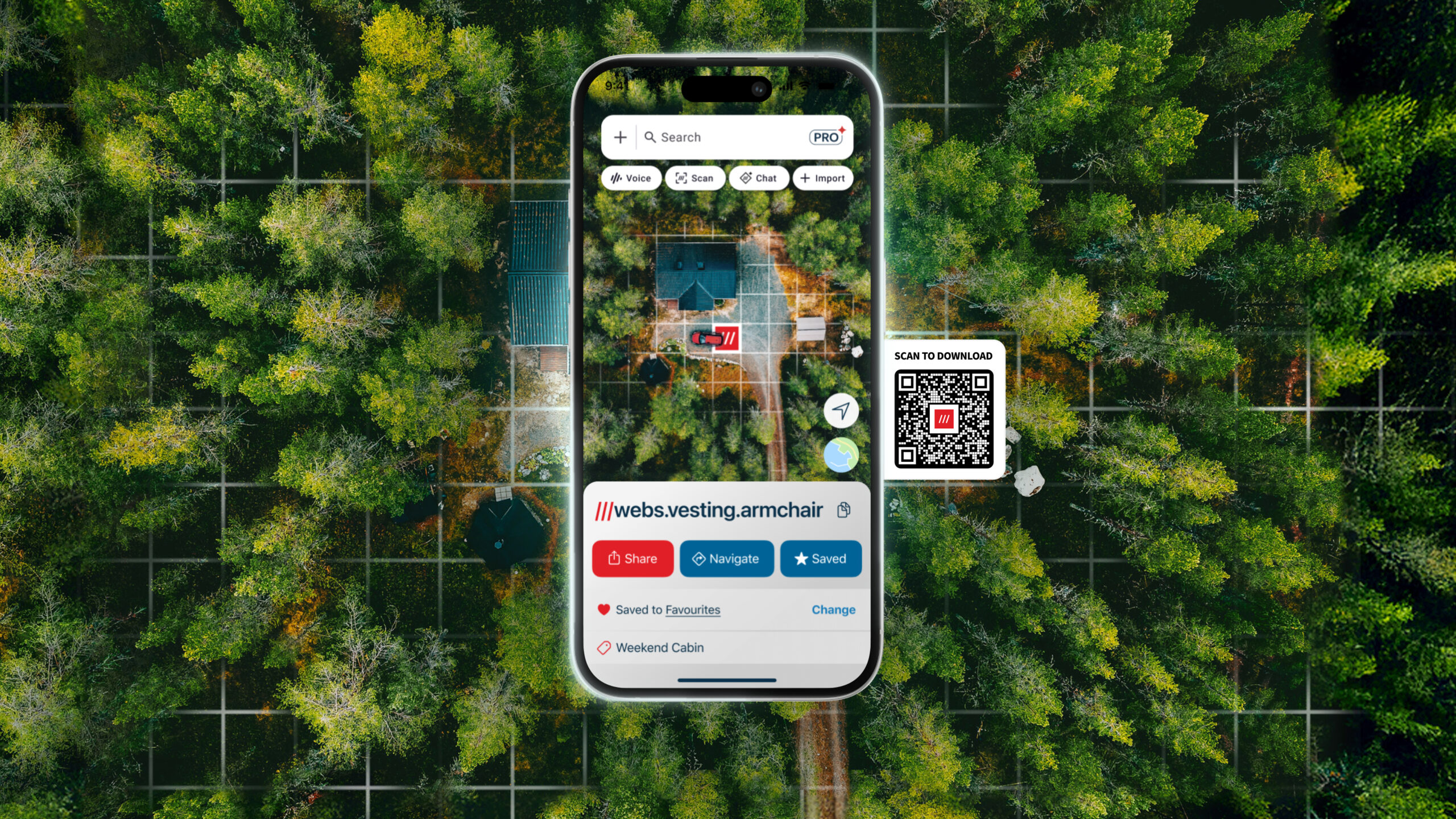




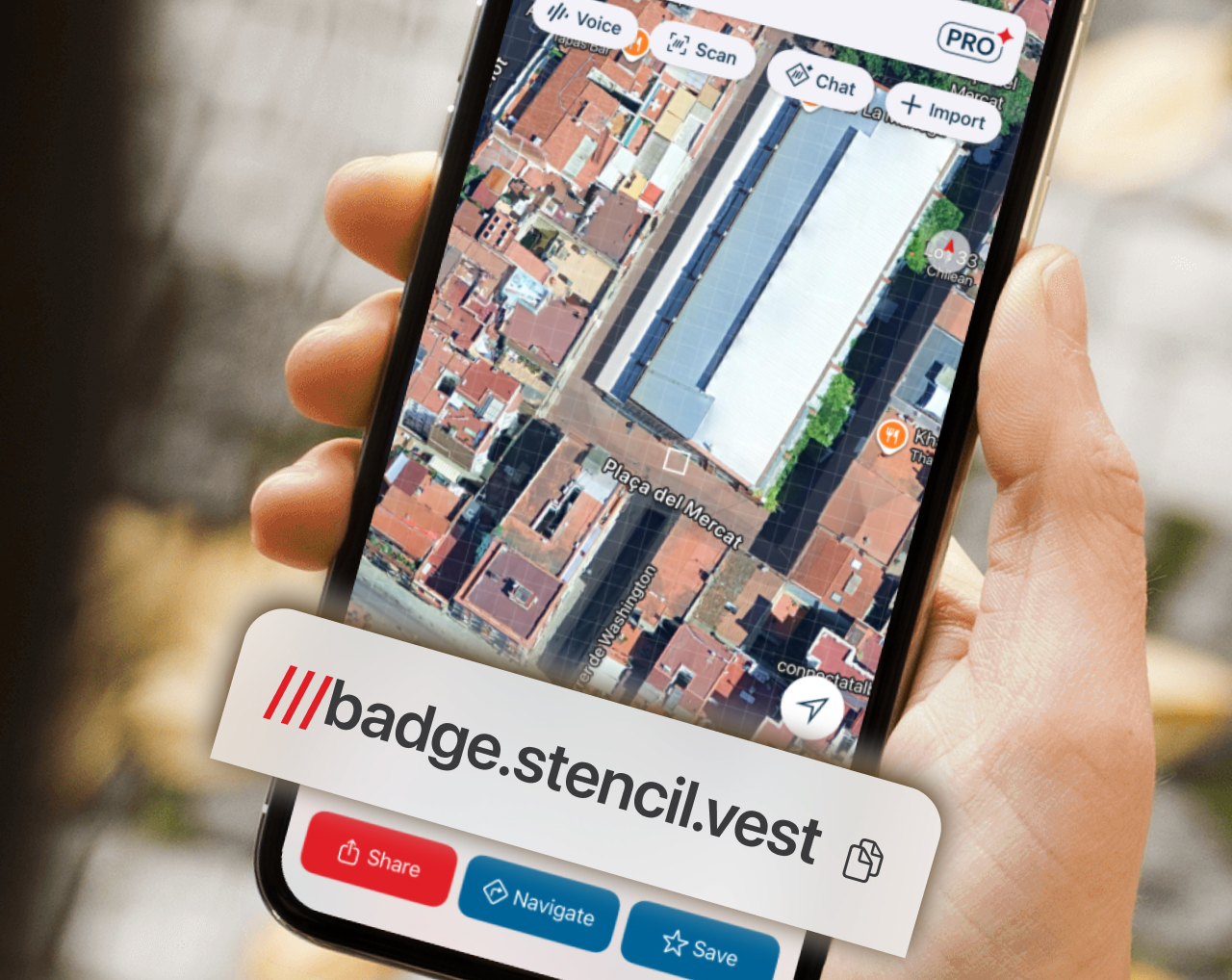
Find the 3 words for
any 3 metre square
Every precise location in the world has been given an address made of 3 random words. Look up what3words addresses in the app.
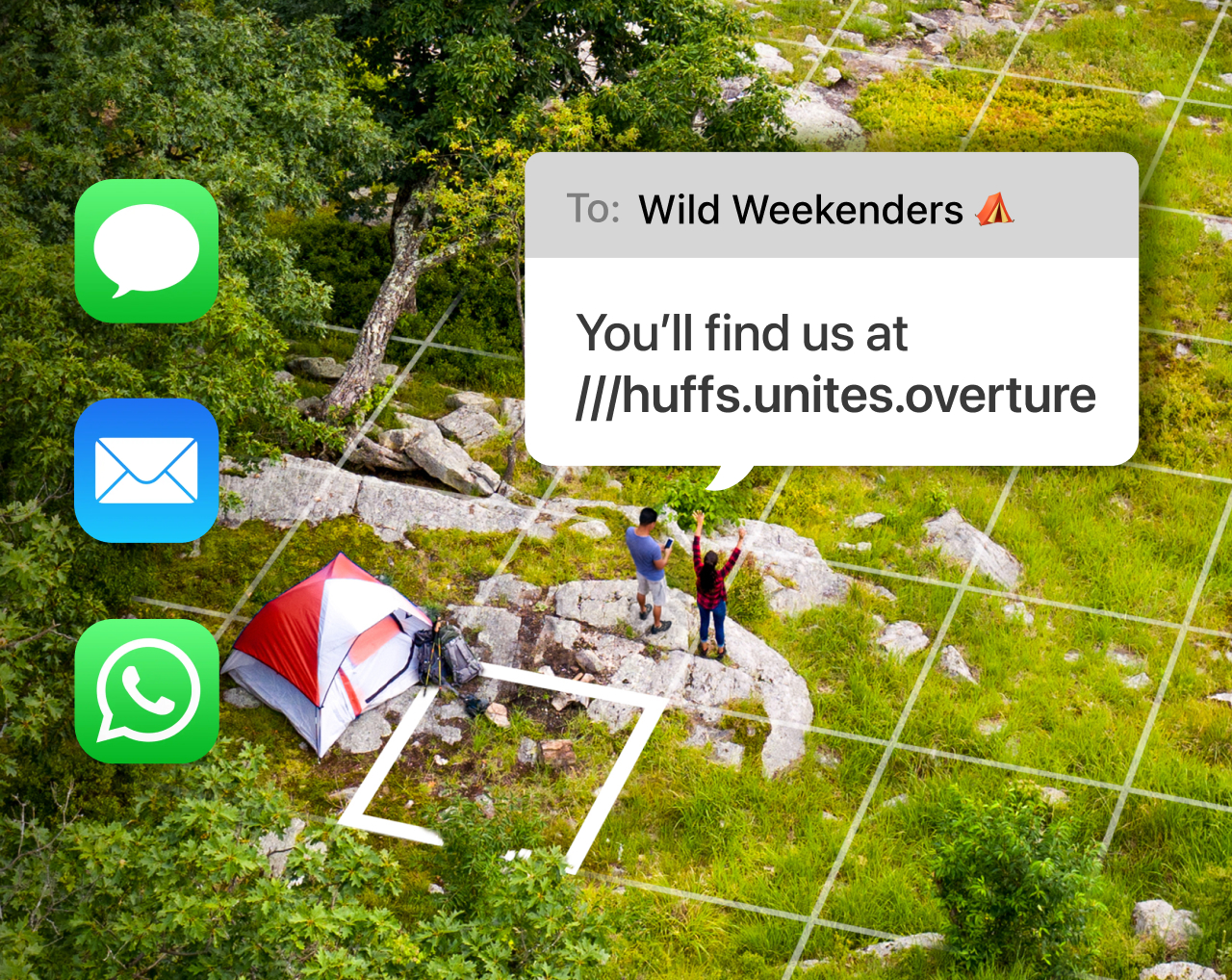
Share precise locations
Share what3words addresses directly from the app to set a meeting point, recommend a location and much more.
 To share lists of what3words locations, sign up to
what3words Pro
.
To share lists of what3words locations, sign up to
what3words Pro
.
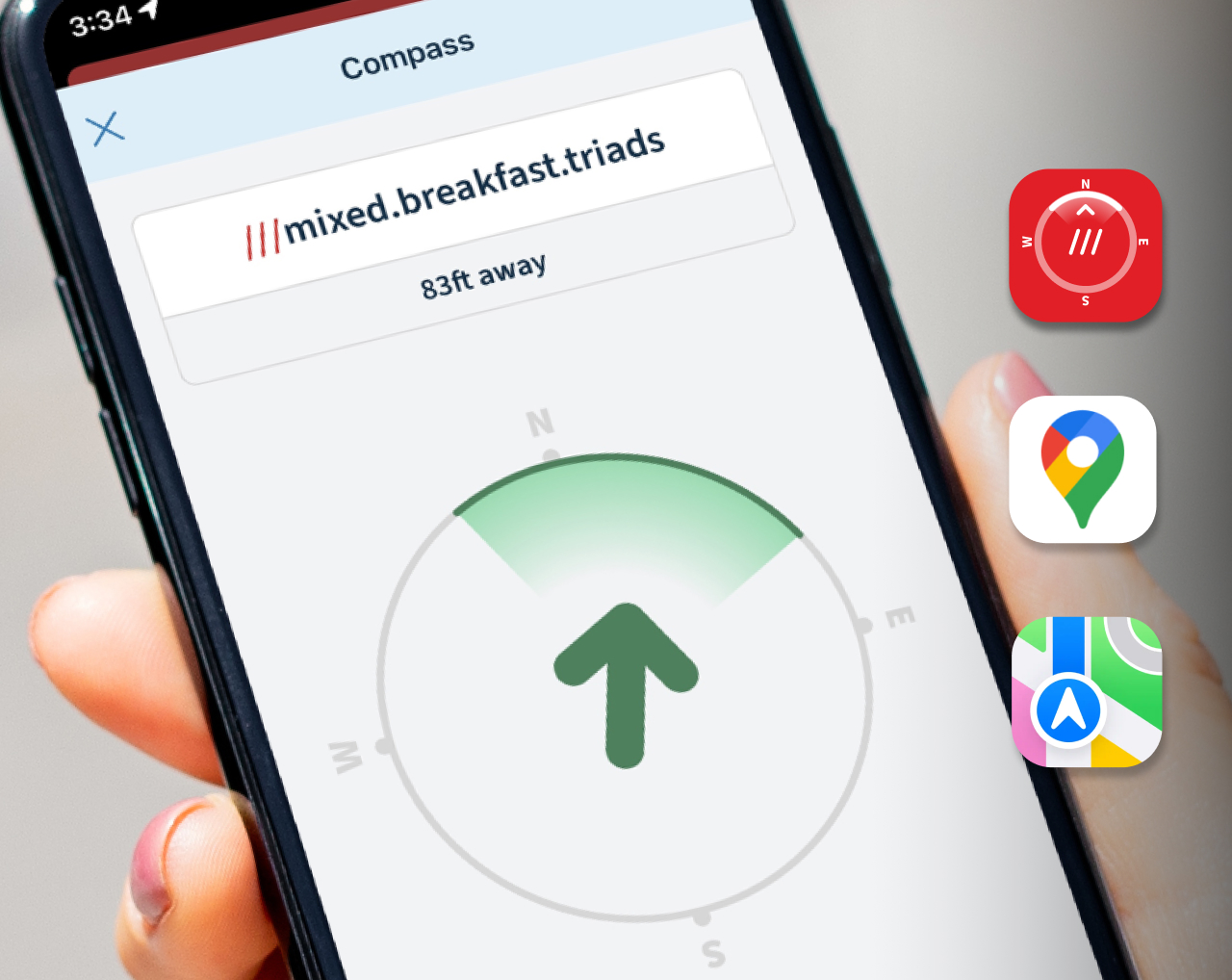
Navigate with confidence
Press Navigate to get directions to a precise what3words address – with your default navigation app or what3words Compass.
Unlock a wide selection of navigation and ride-hailing apps with
Pro membership
.
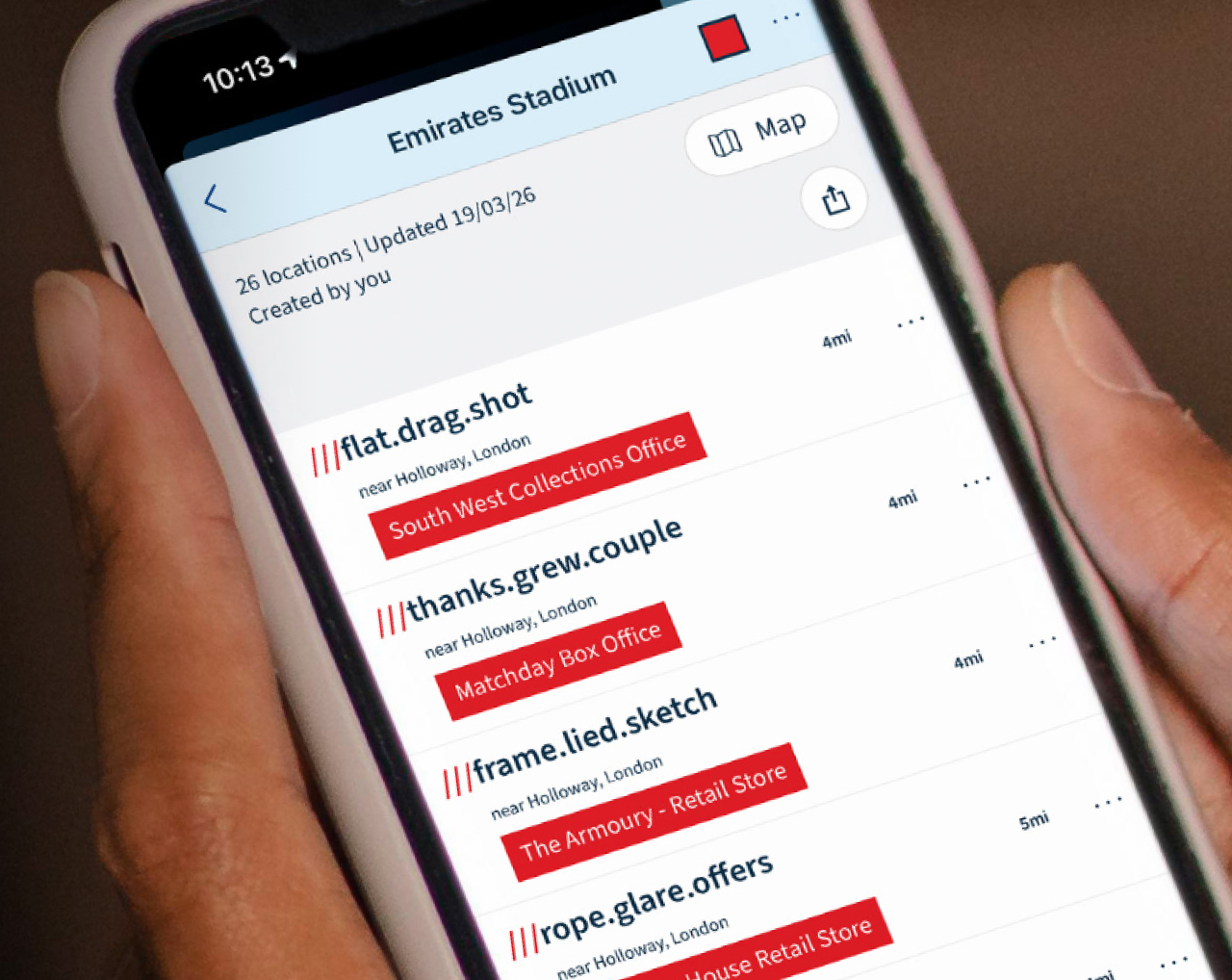
Save important places
Keep track of locations by saving them, and organising them into lists e.g. ‘Holiday’ or ‘Work Sites’.
To save more locations, upgrade to
what3words Pro
.
Upgrade for Pro features
Unlock powerful AI tools and enhanced features that make it fast and effortless to use what3words locations in the app, and across your devices.

FAQs
How are what3words addresses better than regular street addresses?
There are a number of ways a what3words address can be better than a regular street address. Here’s how they differ:
| what3words addresses are: | Street addresses are: |
| ✅ Precise to a 3 metre square: so you can talk about exact locations, like a specific building entrance | ❌ Often inaccurate and can refer to a whole building or property |
| ✅ Unique: no two what3words addresses are the same | ❌ Duplicated, frequently within the same area. There are 14 Church Roads in London alone! |
| ✅ Permanent: our addresses are fixed in place and will never change, helping our system to work on offline devices too | ❌ Liable to change as towns and cities develop – which means databases need to be constantly updated |
| ✅ Have global coverage: every 3 metre square on the planet has an address, whether that’s a park bench in Korea or a parking spot in Bolivia | ❌ Each country, region and city can have their own system |
| ✅ Available in 60+ languages: billions of people can talk about precise locations, anywhere, in their native language | ❌ Available only in the local language |
Does the app work without phone signal or data connection?
Yes, we designed it specifically that way.
Even when you’re totally offline, without a data or cellular connection, you can still find the 3 words for your location and navigate to other locations (using the what3words Compass). This is because our app uses a GPS signal to work, which has near-universal coverage wherever you are in the world. However, we find it works best when you’re outside and able to see the sky above you.
To share a what3words address over the phone or in a text message, you need phone signal or a data connection. You also need a data connection to load maps, or share an address in other apps or on social media.
what3words Pro features
Please note that AI Chat and AI Voice Chat don’t work offline.
Why do I need what3words when I have Google Maps?
Google Maps is a great tool for navigation, public transport and for looking up points of interest. what3words has a very different function: it’s an easy way to communicate exact locations.
When you enter a street address into Google Maps, it drops a pin into the centre of the building – it can’t help you find a precise location, like a specific entrance. what3words addresses help you do just that, and you can use them like you would street addresses. Simple!
Additionally, many places in the world don’t have street addresses, from informal settlements, to places like parks or beaches. what3words makes it easy to find, share and talk about precise locations in these places.
What is what3words Pro?
what3words Pro is a premium tier which gives you access to AI tools and enhanced features in both the what3words app and via our online map . You upgrade to Pro via a monthly subscription. Upgrade here .
How do I send a what3words address to someone without the app?
what3words addresses can be used even by those without our app. Simply send them the address as a link so they can view it on our online map .
If you send them the what3words address without a link, they can enter it into the search bar on our online map at what3words.com
Which devices and browsers does what3words support?
Using the what3words app on your mobile device
The minimum platform requirements for new app versions are Android Nougat (7.1) and iOS 14. If your device is incompatible, you won’t be able to use the app but you can still access what3words via what3words.com on your web browser.
Please note that Huawei users who don’t have access to the Google Play app store should use the mobile online map instead.
Using what3words on your wearable device
- To use the what3words Apple Watch app, your device will need to be running watchOS 8 and above. You’ll need to have the what3words app installed on your phone in order to use it on your Apple Watch.
- Wear OS watches will need to be running Wear OS 3 or above.
Accessing the online map at what3words.com
Supported browsers for Android :
- Chrome WebView on the current and previous major version of Android
- Current version of Chrome for Android
Supported browsers for iOS:
- Mobile Safari on the current and previous major version of iOS
- Current version of Chrome for iOS
Is what3words available in my language?
We’re proud to say that what3words is currently available in 61 languages. Here’s the full list:
- Afrikaans – Afrikaans
- Amharic – አማርኛ
- Arabic – العربية
- Bahasa Indonesia – Bahasa Indonesia
- Bahasa Malaysia – Bahasa Malaysia
- Bengali – বাংলা
- Bosnian (Cyrillic) – Босански (ћирилица)
- Bosnian (Latin) – Bosanski (latinica)
- Bulgarian – български
- Catalan – Català
- Chinese (Simplified) – 中文 (简体)
- Chinese (Traditional) – 中文 (繁體)
- Croatian – Hrvatski
- Czech – Čeština
- Danish – Dansk
- Dutch – Nederlands
- English – English
- Estonian – Eesti
- Finnish – Suomi
- French – Français
- German – Deutsch
- Greek – Ελληνικά
- Gujarati – ગુજરાતી
- Hebrew – עברית
- Hindi – हिन्दी
- Hungarian – Magyar
- IsiXhosa – isiXhosa
- IsiZulu – isiZulu
- Italian – Italiano
- Japanese – 日本語
- Kannada – ಕನ್ನಡ
- Kazakh (Cyrillic) – Қазақ тілі (кирилл)
- Kazakh (Latin) – Qazaq tili (Latyn)
- Khmer – ភាសាខ្មែរ
- Korean – 한국어
- Lao – ລາວ
- Malayalam – മലയാളം
- Marathi – मराठी
- Mongolian (Cyrillic) – Монгол хэл (Криллээр)
- Mongolian (Latin) – Mongol hel (Latinaar)
- Montenegrin (Cyrillic) – Црногорски (ћирилица)
- Montenegrin (Latin) – Crnogorski (latinica)
- Nepali – नेपाली
- Norwegian – Norsk
- Odia – ଓଡ଼ିଆ
- Persian – فارسی
- Polish – Polski
- Portuguese – Português
- Punjabi – ਪੰਜਾਬੀ
- Romanian – Română
- Russian – Русский
- Serbian (Cyrillic) – Српски (ћирилица)
- Serbian (Latin) – Srpski (latinica)
- Sinhala – සිංහල
- Slovak – Slovenčina
- Slovene – Slovenščina
- Spanish – Español
- Swahili – Kiswahili
- Swedish – Svenska
- Tamil – தமிழ்
- Telugu – తెలుగు
- Thai – ไทย
- Turkish – Türkçe
- Ukrainian – Українська
- Urdu – اردو
- Vietnamese – Tiếng Việt
- Welsh – Cymraeg
The above languages (and writing scripts) refer to the what3words addresses that are available. In our app, we also offer a number of regional variants supported by specific user interface translations and/or speech recognition capabilities:
| Language | Regional Variation | Notes |
| Chinese (Traditional) – 中文(繁體) | Taiwan | Mandarin as spoken in Taiwan, written in Traditional characters |
| Hong Kong | Cantonese as spoken in Hong Kong, written in Traditional characters | |
| English | Australia | |
| Canada | ||
| India | ||
| UK | ||
| USA | ||
| French | Canada | |
| France | ||
| Portuguese | Brazil | |
| Portugal | ||
| Spanish | Latin America | |
| Spain |